

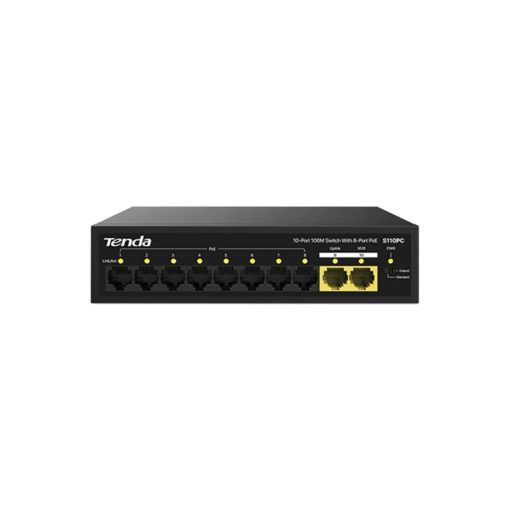


Tenda S110PC 10-Port 100M Lite PoE Switch
$25
Ports: 10 x 10/100 Mbps RJ45 ports (8 PoE, 2 uplink)
PoE Budget: 80W total
Transmission Distance: Up to 250 meters
Lightning Protection: 4kV
Mounting Options: Desktop or wall-mountable
Compliance: IEEE 802.3, IEEE 802.3u, IEEE 802.3x, IEEE 802.3af, IEEE 802.3at

delivery all over lebanon
Immediate Same-Day Dispatch for Beirut

After Sales Services
Premium Care That Doesn’t End at the Checkout

Cash on Delivery payments
Pay Only When You Receive Your Order

Zalka Highway Flagship Store
Your Premier Destination for Genuine Tech

Free Delivery over 350$
Shop Risk-Free and Save on Shipping Costs
Tenda S110PC 10-Port 100M Lite PoE Switch S110PC
The Tenda S110PC 10-Port 100M Lite PoE Switch is designed to provide reliable and efficient networking solutions for small-scale enterprises, convenience stores, and street restaurants. With 8 PoE ports and 2 uplink ports, this unmanaged switch offers a total PoE budget of 80W, making it ideal for powering devices like IP cameras and access points.
Performance / Functionality
Equipped with 10 auto-negotiation RJ45 ports, the Tenda S110PC 10-Port 100M Lite PoE Switch supports full-duplex transmission rates of up to 200 Mbps. The switch also supports 9K jumbo frames, enhancing the forwarding rate of large files and improving overall network performance.
Compatibility
The Tenda S110PC 10-Port 100M Lite PoE Switch complies with IEEE 802.3, IEEE 802.3u, IEEE 802.3x, IEEE 802.3af, and IEEE 802.3at standards, ensuring compatibility with a wide range of networking devices. It also supports auto MDI/MDIX, simplifying the setup process.
Safety / Convenience
Featuring 4kV lightning protection on all ports, the Tenda S110PC 10-Port 100M Lite PoE Switch ensures reliable operation in various environmental conditions. Its fanless design provides silent operation, making it suitable for noise-sensitive environments.
Design / Build
The Tenda S110PC 10-Port 100M Lite PoE Switch boasts a compact and durable design, suitable for desktop or wall mounting. Its sturdy metal construction ensures longevity and resilience in various installation scenarios.
Usage Tips
For optimal performance, ensure that the Tenda S110PC 10-Port 100M Lite PoE Switch is placed in a well-ventilated area to prevent overheating. Regularly check for firmware updates to maintain network security and functionality.
Related products
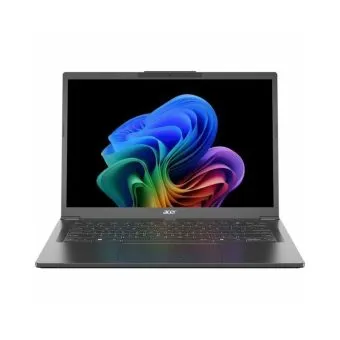
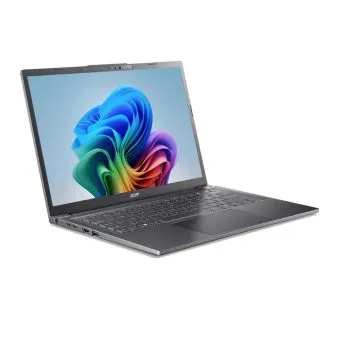
Business Laptops
Acer Aspire 14 AI A14-52MT-59DP – Core™ Ultra 5 226V – 16GB RAM – 1TB SSD – Touchscreen