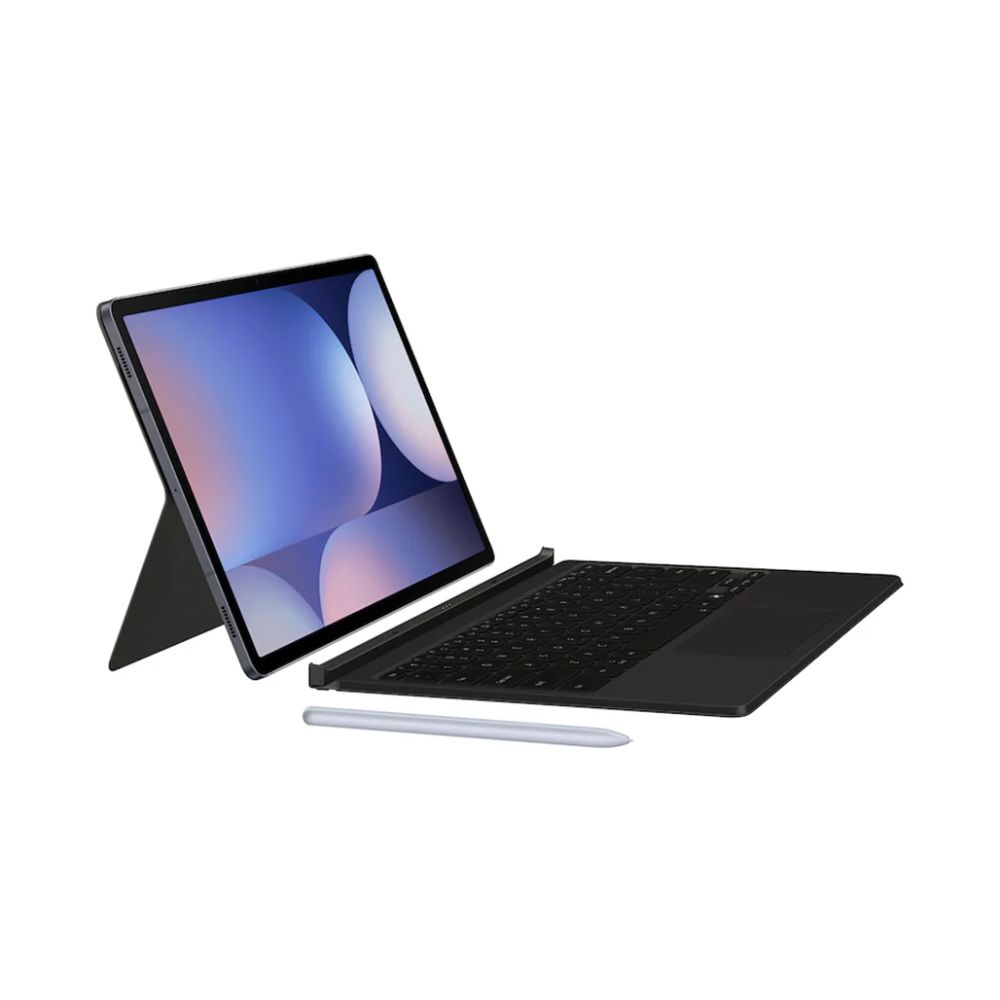




Samsung Galaxy Tab S10 Ultra Book Cover Keyboard – AI Key
$335
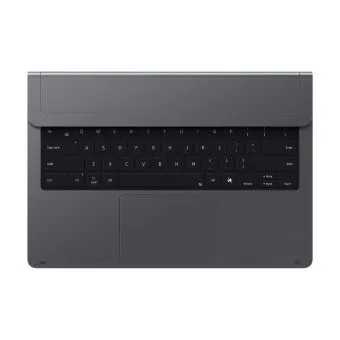
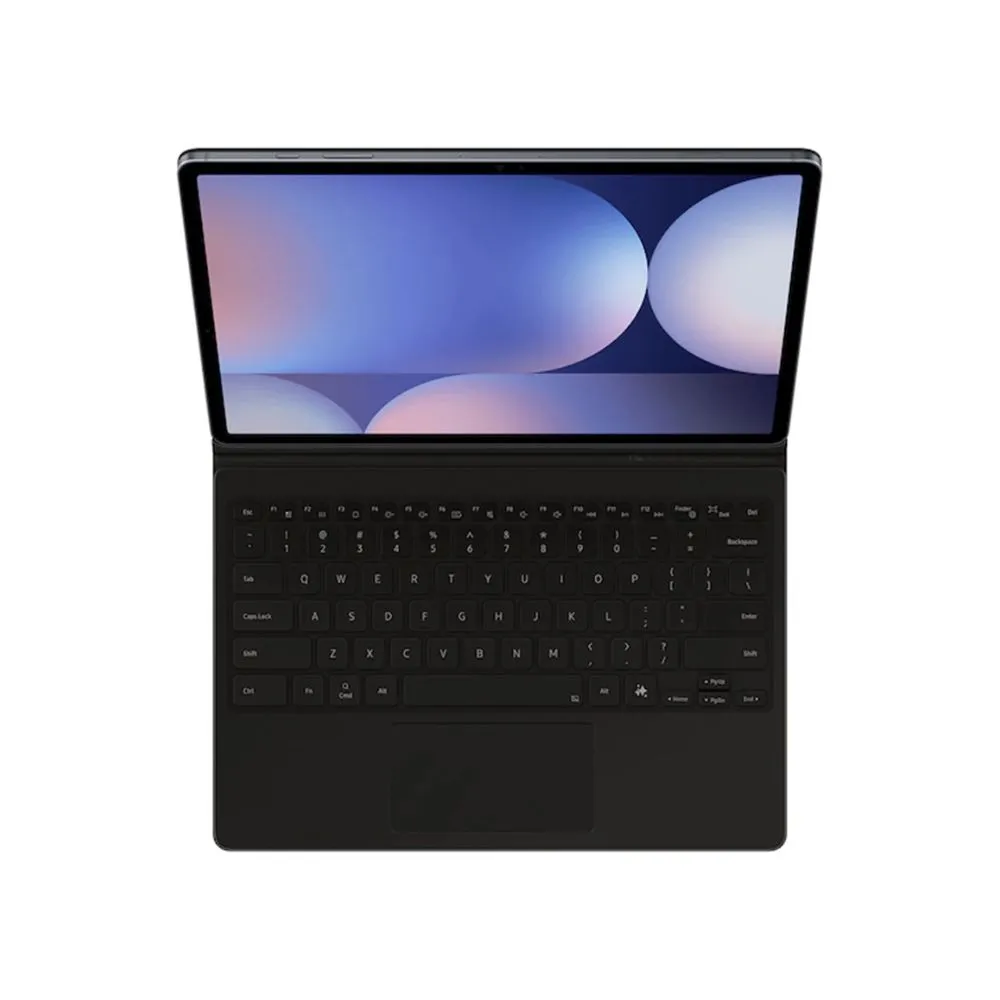
The Samsung Galaxy Tab S10 Ultra Book Cover Keyboard adds full-size keycaps, function keys, a trackpad and the Galaxy AI key to your tablet, giving you a PC-like experience in DeX mode while protecting the device. Available now at DSLR Zone in Beirut.

delivery all over lebanon
Immediate Same-Day Dispatch for Beirut

After Sales Services
Premium Care That Doesn’t End at the Checkout
Cash on Delivery payments
Pay Only When You Receive Your Order

Zalka Highway Flagship Store
Your Premier Destination for Genuine Tech

Free Delivery over 350$
Shop Risk-Free and Save on Shipping Costs

Operational Check & 7-Day Exchange
Items are tested and sold fully operational, with no store warranty. A manufacturer warranty applies only to select local-brand products (around 10%). Sealed products can be exchanged in store within 7 days.
Samsung Galaxy Tab S10 Ultra Book Cover Keyboard – AI Key
PC-like experience with a single tap

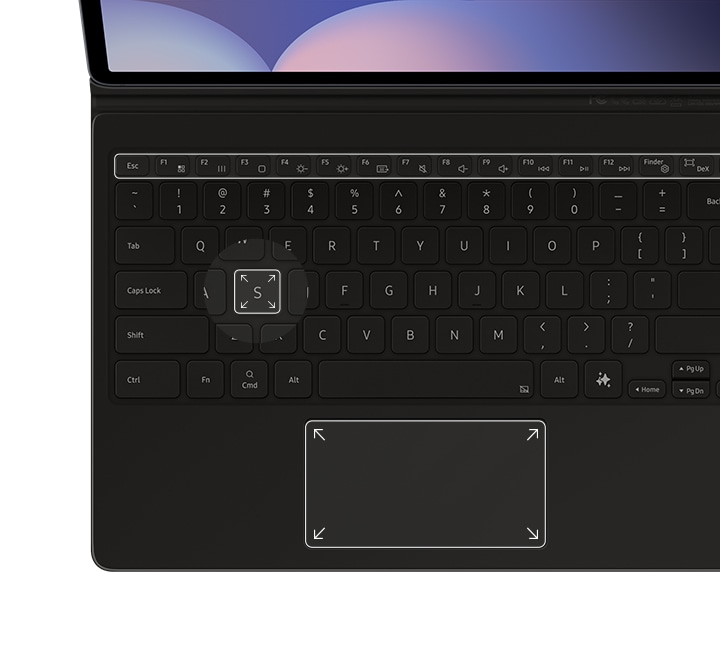
Get things done easily with the Book Cover Keyboard. The full-size keycaps, function keys and trackpad, combined with DeX mode, deliver a PC-like experience with a single tap.
*Image simulated for illustrative purposes. Actual UX/UI may vary.
**Compatible with Samsung Galaxy Tab S10 Ultra, S10 Plus, S9 Ultra, S9 Plus, S9, S9 FE. Galaxy Tab S10 Ultra, S10 Plus, S9 Ultra, S9 Plus, S9, S9 FE Book Cover Keyboard can connect to up to 3 devices via Bluetooth.
***Features and keyboard layout may vary by model or type of language.
Magnetically attachable for easy replacement
With its magnetic design, you can easily attach and detach the back cover to personalize your device. Replace it according to your preference to fit your everyday needs.

*Products sold separately.
**Features and keyboard layout may vary by model or type of language.
Effortless comes in 150°
Take it all the way back to 150° for a new level of freedom with the Book Cover Keyboard. Adjust the angle on the back easily to find your perfect position to send emails, blog, study — you name it.

*Image simulated for illustrative purposes. Actual UX/UI may vary.
**Features and keyboard layout may vary by model or type of language.
Enhance your productivity with wireless sharing
With Wireless Keyboard Sharing, you can easily connect to your other Galaxy devices and smoothly type or navigate on them. Switch between devices with ease and take control of your phone as you would on your tablet.

*Products sold separately.
Related products