
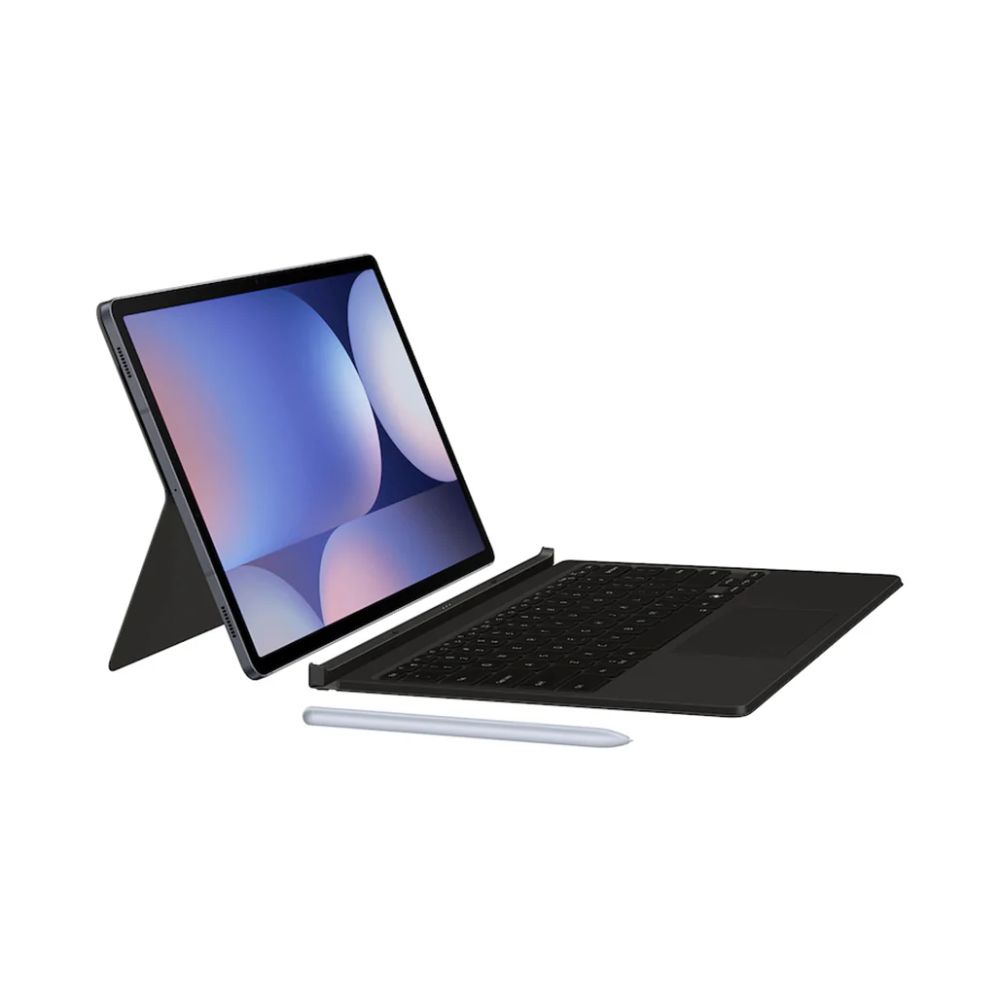




Samsung Galaxy Tab S10 Ultra Book Cover Keyboard – AI Key
$335

delivery all over lebanon
Immediate Same-Day Dispatch for Beirut

After Sales Services
Premium Care That Doesn’t End at the Checkout

Cash on Delivery payments
Pay Only When You Receive Your Order

Zalka Highway Flagship Store
Your Premier Destination for Genuine Tech

Free Delivery over 350$
Shop Risk-Free and Save on Shipping Costs
Samsung Galaxy Tab S10 Ultra Book Cover Keyboard – AI Key
PC-like experience with a single tap

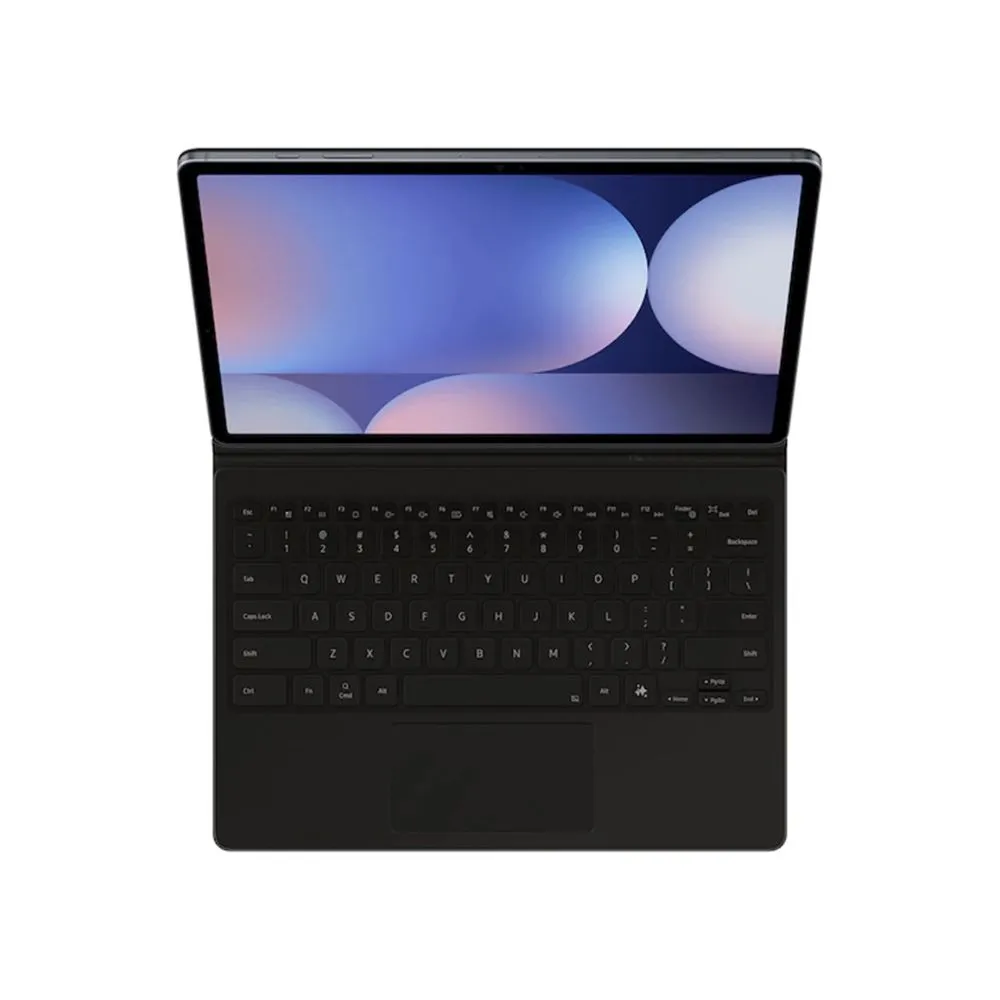
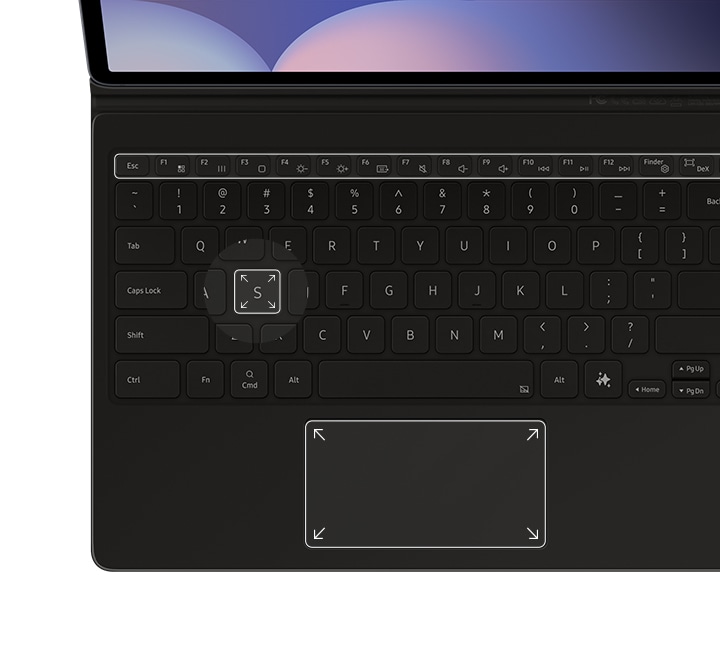
Get things done easily with the Book Cover Keyboard. The full-size keycaps, function keys and trackpad, combined with DeX mode, deliver a PC-like experience with a single tap.
*Image simulated for illustrative purposes. Actual UX/UI may vary.
**Compatible with Samsung Galaxy Tab S10 Ultra, S10 Plus, S9 Ultra, S9 Plus, S9, S9 FE. Galaxy Tab S10 Ultra, S10 Plus, S9 Ultra, S9 Plus, S9, S9 FE Book Cover Keyboard can connect to up to 3 devices via Bluetooth.
***Features and keyboard layout may vary by model or type of language.
Magnetically attachable for easy replacement
With its magnetic design, you can easily attach and detach the back cover to personalize your device. Replace it according to your preference to fit your everyday needs.

*Products sold separately.
**Features and keyboard layout may vary by model or type of language.
Effortless comes in 150°
Take it all the way back to 150° for a new level of freedom with the Book Cover Keyboard. Adjust the angle on the back easily to find your perfect position to send emails, blog, study — you name it.

*Image simulated for illustrative purposes. Actual UX/UI may vary.
**Features and keyboard layout may vary by model or type of language.
Enhance your productivity with wireless sharing
With Wireless Keyboard Sharing, you can easily connect to your other Galaxy devices and smoothly type or navigate on them. Switch between devices with ease and take control of your phone as you would on your tablet.

*Products sold separately.
Related products
Tablet Accessories
BluPebble Rock Series Graphene Tempered Glass 2.5D Screen Protector for iPad Pro 13″ M5
Tablet Accessories
BluPebble Rock Series Graphene Tempered Glass 2.5D Screen Protector for iPad Pro 11-inch

Tablet Accessories
BluPebble New Yorker Slim Case for iPad Air 11″ (2024–2026) | Y-Fold Stand & Pencil Holder
Tablet Accessories


