
Halloween Creator Setup: Cameras, RGB Lights & Tech
Oct
Halloween Creator Setup: Cameras, RGB Lights & Tech for Spooky Content
Create Better Halloween Content
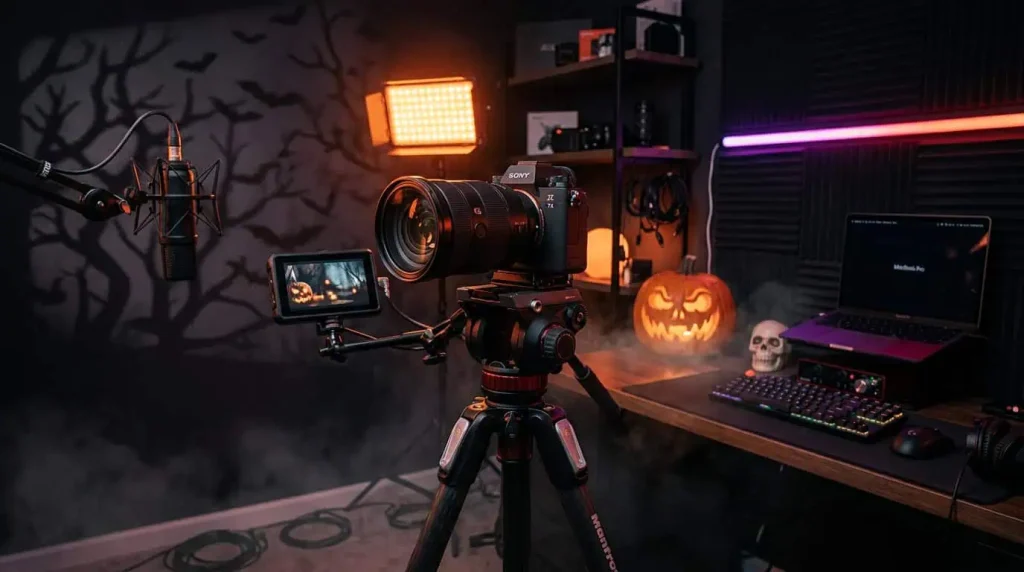
Halloween is one of the best opportunities for creators to experiment with a completely different visual style. Dramatic lighting, unusual camera angles, shadows, sound effects and creative editing can transform a simple room into a cinematic Halloween scene.
Instead of treating Halloween as just another seasonal discount event, photographers, videographers, vloggers, streamers and content creators can use it as a production theme.
Whether you’re creating Halloween reels, TikTok videos, YouTube content, product photography, gaming streams or short horror scenes, the right camera setup and accessories can make a major difference.
Use Lighting to Build the Mood
Lighting is one of the most important elements of Halloween content.
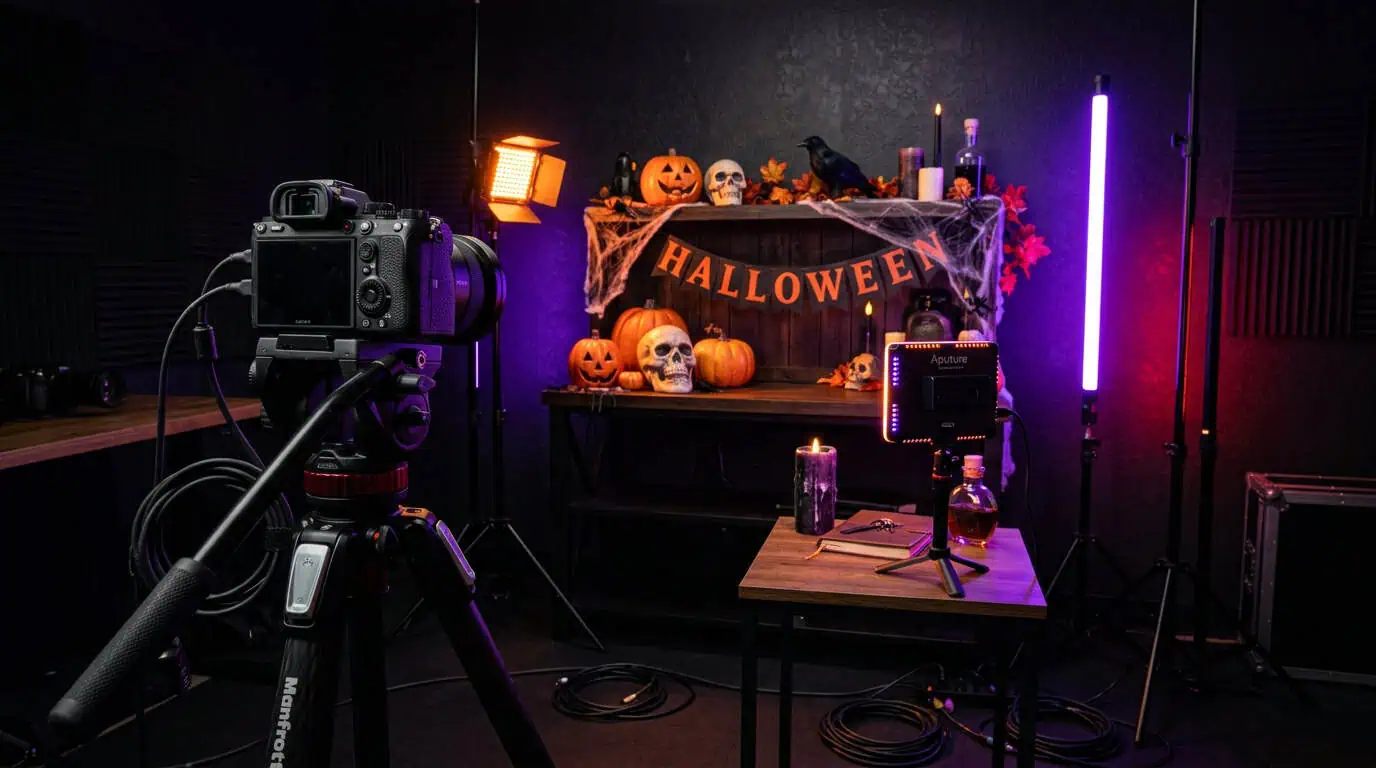
RGB and LED lighting can transform an ordinary room into a dramatic set without requiring an expensive studio. Red, orange, purple, green and blue tones can all create completely different Halloween atmospheres.
Experiment with:
- Side lighting for stronger facial or object shadows
- Backlighting to create silhouettes
- Low-angle lighting for a classic horror effect
- Colored RGB accent lighting
- LED lights behind furniture or decorations
- A small key light when the subject needs to remain visible
Avoid making the entire scene too dark. A Halloween atmosphere should look intentionally dark, not simply underexposed.
Choose the Right Camera Setup
You don’t necessarily need the most expensive camera to create impressive Halloween content.
A mirrorless camera, DSLR, action camera or capable creator camera can all work depending on the type of content you’re producing.
For indoor scenes, prioritize a setup that allows you to control exposure and works well with your available lighting.
A wide-angle lens can be useful when showing an entire decorated room, gaming setup or Halloween environment, while a standard lens is ideal for talking-head videos, product shots and closer cinematic scenes.
Camera Settings Matter in Dark Scenes
Halloween content often involves darker environments, which can introduce image noise, motion blur and difficulty focusing.
Rather than expecting your camera to perform miracles in near-total darkness, add controlled lighting to the scene.
Keep your subject properly exposed while allowing the background to remain darker. This gives you the Halloween mood without sacrificing image quality.
If you’re recording video, test your exposure and focus before starting the final take.
Stabilize Moving Shots
Camera movement can make Halloween videos much more immersive.
A tripod works well for controlled scenes, product shots, talking-head videos and static compositions.
For creators who want to move through a decorated environment, a gimbal can help create smoother cinematic movement.
You can use slow movements through hallways, around decorations or toward a subject to build suspense without relying entirely on editing effects.
Don’t Forget Audio
Visuals may create the atmosphere, but audio often completes it.
Clean dialogue, environmental sounds and carefully selected sound effects can dramatically change how professional a Halloween video feels.
An external microphone can improve spoken audio compared with relying entirely on the camera’s built-in microphone.
Depending on the production, creators can consider:
- Wireless microphones
- Shotgun microphones
- On-camera microphones
- Headphones for monitoring audio
Good audio is especially important for storytelling, Halloween sketches, interviews, YouTube videos and atmospheric short-form content.
Halloween Gaming & Streaming Setup
Halloween content isn’t limited to cameras.
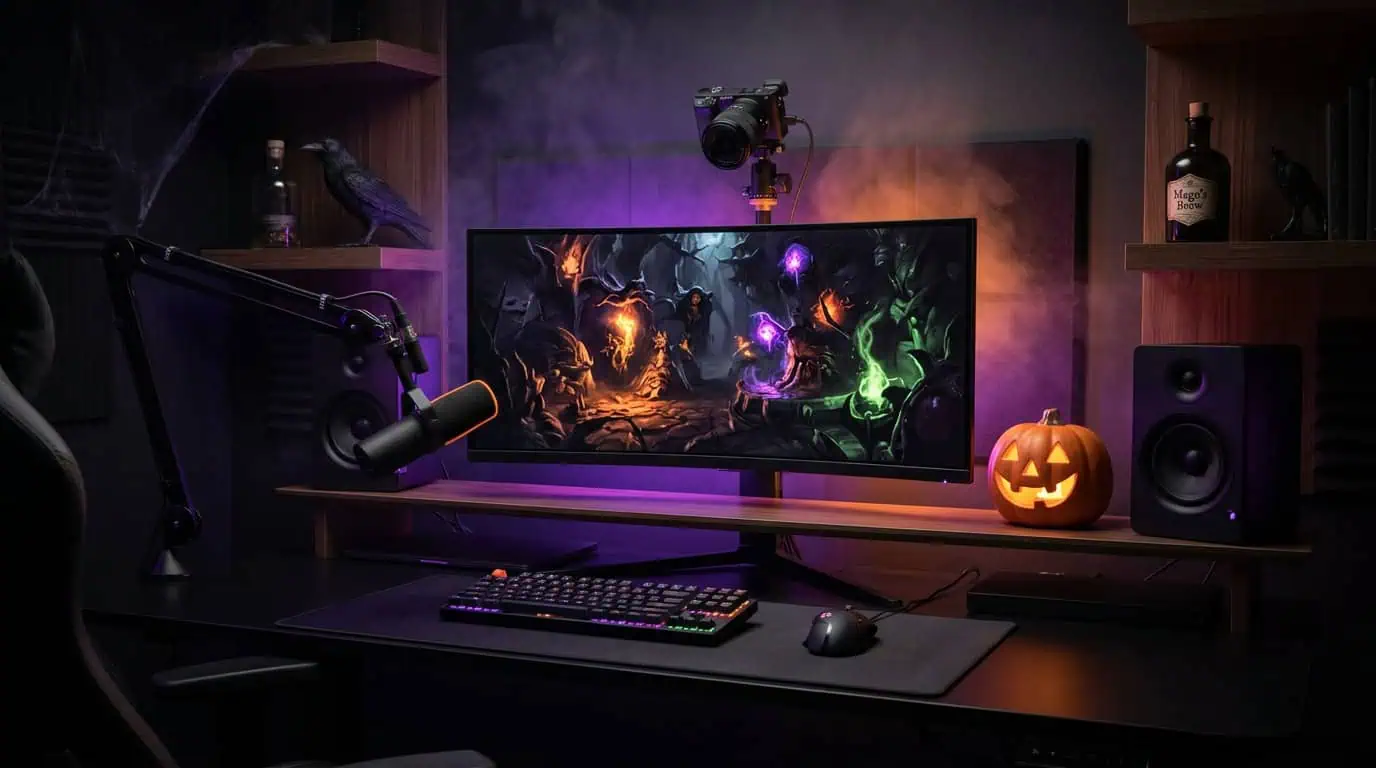
Gamers and streamers can temporarily transform their setup using RGB lighting, illuminated peripherals, speakers, monitors and background decorations.
Synchronizing the colors of your RGB lights, keyboard, mouse and surrounding setup can create a much stronger visual identity on camera.
For streaming, remember that your face still needs enough light to remain clear even when the room itself is intentionally dark.
Power and Storage Matter Too
Seasonal shoots can involve multiple takes, longer recording sessions and several lighting devices.
Before shooting, make sure your batteries are charged and your memory cards have enough available capacity.
A spare battery or power bank can also be useful, especially when creating content outside the studio or recording for extended periods.
Few things ruin a creative shoot faster than discovering that the camera battery is empty halfway through the best scene.
Halloween Creator Checklist
Before starting your Halloween production, consider preparing:
- Camera
- Wide or standard lens
- Tripod or gimbal
- LED/RGB lighting
- External microphone
- Memory cards
- Spare batteries
- Power bank
- Headphones
- Gaming or streaming accessories when relevant
The exact equipment depends on your content, but the goal remains the same: control the light, stabilize the camera, capture clean audio and create the atmosphere intentionally.
Build Your Halloween Creator Setup in Lebanon
A strong Halloween production doesn’t require turning your room into a Hollywood studio.
A good camera, controlled RGB lighting, stable support and clean audio can already transform the quality of your content.
DSLR Zone offers cameras, lenses, creator accessories, microphones, tripods, gimbals, lighting equipment, gaming gear and other technology for creators in Lebanon preparing Halloween and seasonal content.