
How to Build a Content Creator Setup in Lebanon
22
Oct
Oct
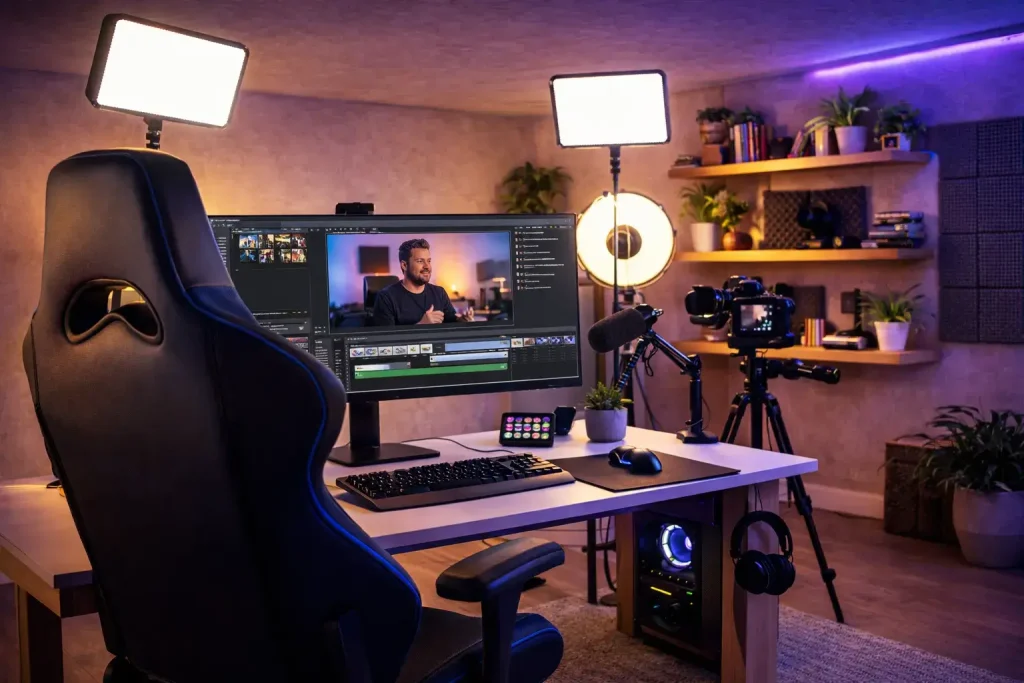
How to Build a Complete Content Creator Setup in Lebanon
Creating professional content does not mean buying every camera, microphone, light and accessory available.
A smart content creator setup focuses on the equipment that directly improves production quality and makes your workflow easier.
For most creators, the essential setup can be divided into five main areas: camera, audio, lighting, stabilization, and storage and power.
Whether you create YouTube videos, TikTok content, Instagram Reels, podcasts, interviews, product videos or travel content, building the right setup around your actual needs is more important than simply buying expensive equipment.
Content Creator Setup: Quick Answer
A complete content creator setup should include a suitable camera, a reliable microphone, controlled lighting, a tripod or gimbal, enough storage and a dependable power solution.
You do not need to purchase everything at once.
Start with the equipment that solves the biggest problem in your current content. Improve audio if your sound is poor, add lighting if your videos look dark, or invest in stabilization if your footage is difficult to watch.
Then upgrade your setup gradually as your content and production requirements grow.
1. Choose the Right Camera
The camera is at the center of many creator setups, but the best camera depends entirely on the type of content you produce.
YouTube creators may prefer a mirrorless camera that provides strong autofocus, interchangeable lenses and good video capabilities.
Travel and adventure creators may benefit from a smaller action camera that is easier to carry and use while moving.
360-degree cameras can provide another creative option for travel, action and immersive content.
Before choosing a camera, consider:
• Video resolution
• Autofocus performance
• Stabilization
• Available frame rates
• Lens compatibility
• Battery life
• Camera size and weight
• Microphone connectivity
• Your total budget
Do not automatically choose the most expensive camera. Choose the camera that fits your production style.
Mirrorless, Action Camera or 360 Camera?
A mirrorless camera can be a strong choice for creators who want high-quality photography and video from the same system.
Action cameras are useful when portability, movement and durability are priorities.
360 cameras allow creators to capture immersive footage and select creative viewing angles during editing.
Some creators may eventually use more than one camera type, but beginners should usually start with the camera that handles most of their everyday content.
2. Invest in Good Audio
Audio is one of the most important parts of content production.
Viewers may tolerate video that is not perfectly cinematic, but distracting or unclear audio can quickly make otherwise good content difficult to watch.
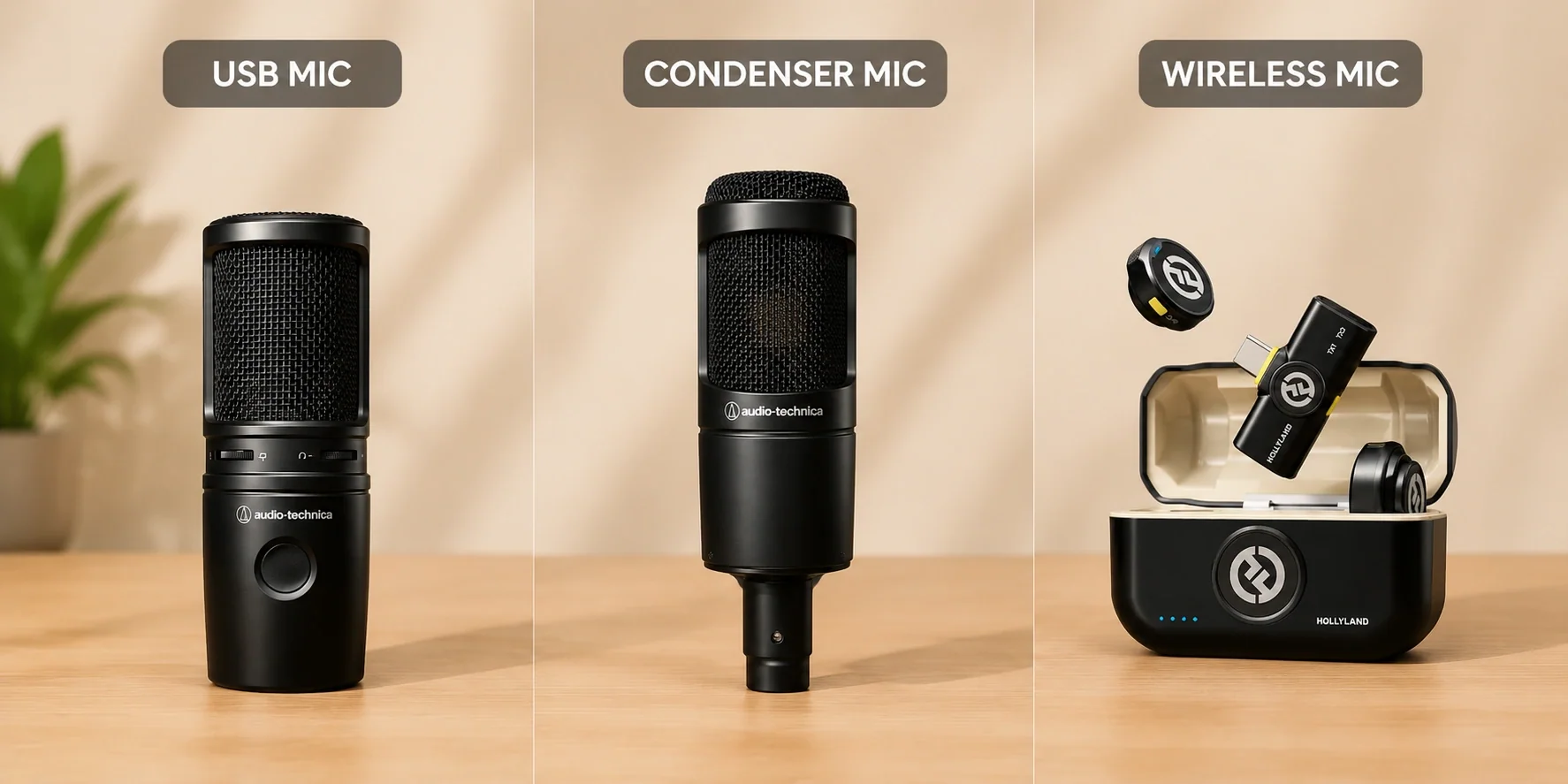
Wireless microphone systems can be particularly useful for:
• Interviews
• Instagram Reels
• TikTok videos
• YouTube videos
• Vlogging
• Presentations
• Outdoor filming
• Content involving movement
A studio creator or podcaster may instead prefer a dedicated microphone positioned close to the speaker.
The correct microphone depends on the environment and the type of content you produce.
Wireless vs Studio Microphones
Wireless microphones provide freedom of movement and can be extremely useful when the creator or subject needs to move around.
Studio microphones are better suited to controlled environments where the speaker remains relatively stationary.
For creators who produce several types of content, it may eventually make sense to have different microphone solutions for studio and mobile production.
Start with the option that matches the majority of your content.
3. Build a Simple Lighting Setup
Good lighting can dramatically improve video quality, even when you are not using an expensive camera.
Instead of immediately upgrading your camera body, improving your lighting may provide a much more noticeable improvement.
A basic creator lighting setup can include:
• LED key light
• Fill light
• Compact portable LED light
• RGB lighting for backgrounds
• Soft lighting for faces or products
The key light is normally the main source illuminating your subject.
A fill light can reduce unwanted shadows, while RGB or accent lighting can help create a more distinctive background or visual style.
You do not need a complicated studio to create effective lighting. Start by making sure your subject is properly illuminated and clearly separated from the background.
4. Choose Between a Tripod and Gimbal
Stabilization can make content look significantly more professional.
A tripod is ideal for controlled and stationary content such as:
• YouTube videos
• Interviews
• Product videos
• Tutorials
• Podcasts
• Talking-head videos
• Photography
A gimbal is more useful when smooth camera movement is part of the creative style.
Creators can use gimbals for walking shots, cinematic movements, events, travel videos and other situations where the camera moves with the subject.
You do not necessarily need both when starting.
If most of your content is stationary, begin with a tripod. If movement is central to your videos, consider a gimbal.
5. Don't Forget Storage
Cameras with higher video resolutions and frame rates can generate large files quickly.
Running out of storage during a shoot can interrupt production completely.
Your creator setup should therefore include suitable storage solutions such as:
• Reliable memory cards
• Spare memory cards
• External SSD or hard drive
• Computer storage
• Backup storage
Always confirm that your memory card provides the performance required by your camera and recording settings.
For creators producing content regularly, organizing and backing up files should become part of the production workflow rather than something done only when storage becomes full.
6. Build a Reliable Power Setup
Battery management is another part of content creation that is easy to overlook.
Long recording sessions, outdoor shoots, lighting equipment and mobile devices can consume significant power.
Consider keeping:
• Spare camera batteries
• Battery chargers
• Power banks
• Charging cables
• Power adapters
Charge your equipment before important shoots and check battery levels before leaving your studio or location.
A simple power plan can prevent an entire production from stopping because one device runs out of battery.
7. Choose the Right Computer for Editing
Capturing content is only part of the workflow.
Video creators also need a computer capable of handling editing, exporting, storage and content management.
The computer you need depends on the type of content you produce.
Basic social media videos may require fewer resources than complex 4K video projects with multiple layers, effects and color correction.
When choosing a computer for content creation, consider:
• Processor performance
• RAM
• Graphics performance
• SSD storage
• Display quality
• Available ports
• External storage support
The goal is to create a balanced workflow from recording through editing and publishing.
Content Creator Setup for YouTube
A YouTube creator setup can vary significantly depending on the channel.
For talking-head videos and tutorials, a practical setup might include a mirrorless camera, microphone, tripod and LED lighting.
Creators producing cinematic videos may also benefit from additional lenses, a gimbal, external audio equipment and more advanced lighting.
The important point is consistency.
A reliable setup that allows you to produce good content regularly can be more valuable than expensive equipment that makes production unnecessarily complicated.
Content Creator Setup for Instagram Reels and TikTok
Short-form creators often need a setup that is fast, portable and easy to use.
Depending on your content, this may include:
• Camera or smartphone
• Wireless microphone
• Compact tripod
• Portable LED light
• Gimbal
• Power bank
Vertical content creators should also consider how quickly equipment can be repositioned and prepared for shooting.
A lightweight setup can be particularly useful for creators who regularly film outside the studio.
Content Creator Setup for Interviews and Podcasts
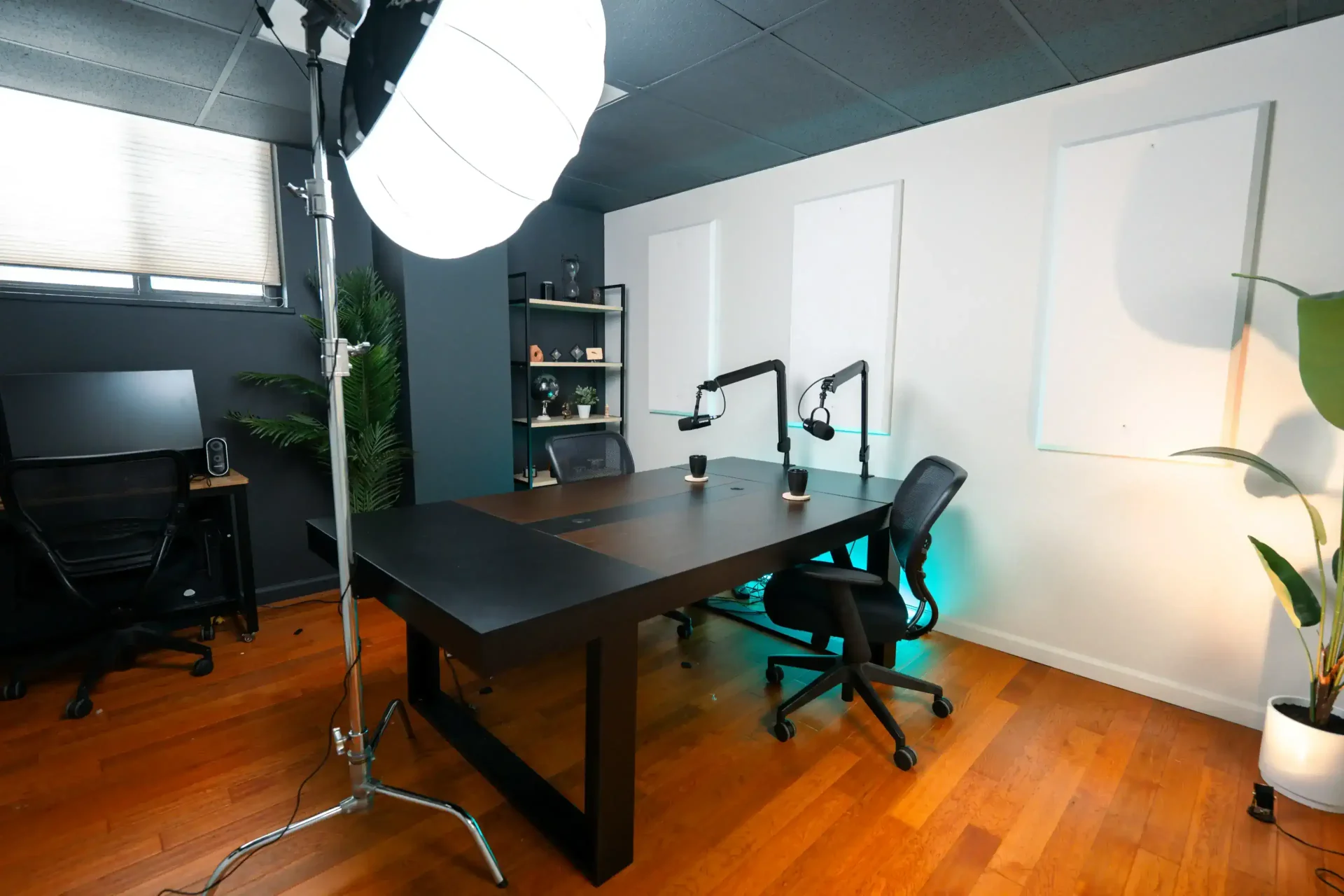
For interviews and podcasts, audio quality should receive particular attention.
A typical setup may include cameras, microphones, tripods, headphones, lighting and enough storage for longer recording sessions.
If several people are speaking, make sure your audio system can capture each participant clearly.
For video podcasts, camera placement and lighting should also remain consistent throughout the recording.
Content Creator Setup for Product Photography and Video
Creators producing product content should focus on accurate, controlled presentation.
A useful setup can include:
• Camera
• Suitable lens
• Tripod
• LED lighting
• Background
• Memory cards
• Editing computer
For product videos, smooth movement and clean audio may also become important depending on the style of the production.
Lighting is particularly important because it controls how product shape, texture, materials and details appear on camera.
How Much Should You Spend on a Creator Setup?
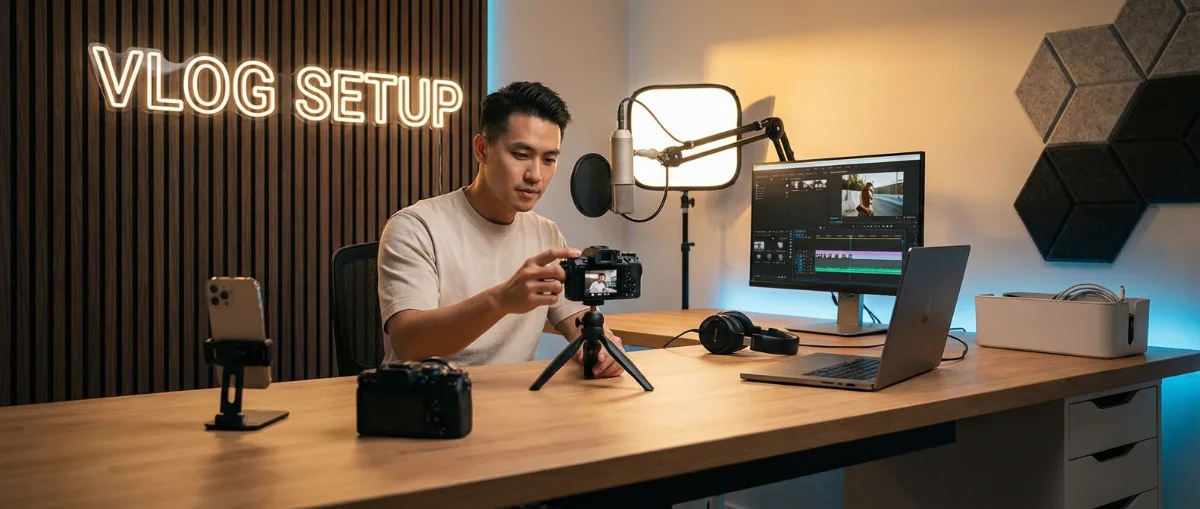
There is no universal budget for content creation equipment.
A beginner should avoid spending the entire budget on the camera while ignoring audio, lighting, storage and other essential equipment.
Think about the complete setup.
For example, a balanced camera, microphone and lighting combination may produce better overall content than an expensive camera used with poor audio and inadequate lighting.
Start with the equipment that solves your biggest production problem and expand gradually.
Build Your Content Creator Setup in Lebanon
Creators in Lebanon should build their setup around the content they actually produce rather than purchasing disconnected products.
Consider how the camera, lens, microphone, lighting, stabilization, storage, power and computer will work together as one production ecosystem.
DSLR Zone provides photography, audio, computer and creator equipment in Lebanon, helping creators compare the different components required to build a complete setup.
Whether you are starting a YouTube channel, creating Instagram Reels, producing TikTok videos, recording interviews, shooting products or building a professional creator studio, start with the equipment that solves your biggest production challenge.
Then upgrade gradually as your content and workflow grow.
Complete Content Creator Setup Checklist
Before building your setup, consider whether you need:
• Camera
• Lens
• Microphone
• LED lighting
• Tripod
• Gimbal
• Memory cards
• External storage
• Spare batteries
• Battery charger
• Power bank
• Headphones
• Editing computer
• Cables and adapters
You may not need every item immediately.
Prioritize the equipment that directly improves the content you currently produce.
Frequently Asked Questions
What equipment does a content creator need?
A basic content creator setup usually includes a camera or smartphone, microphone, lighting, stabilization, storage and reliable power. The exact equipment depends on whether you create YouTube videos, Reels, TikTok content, podcasts, photography or other types of media.
What should a beginner content creator buy first?
Start with the equipment that solves your biggest production problem. If your audio is poor, prioritize a microphone. If your videos are too dark, improve your lighting. If your footage is unstable, consider a tripod or gimbal.
Do content creators need a professional camera?
Not necessarily. The right camera depends on the type of content you create. Good lighting, clean audio and a reliable workflow can be just as important as the camera itself.
Do I need a gimbal for content creation?
A gimbal is useful when smooth camera movement is important to your content. For stationary videos, interviews, tutorials and product photography, a tripod may be the more practical option.
Where can I buy content creator equipment in Lebanon?
DSLR Zone offers photography, audio, computer and creator equipment in Lebanon, including cameras, lenses, microphones, lighting, stabilization equipment and other technology for content production.