
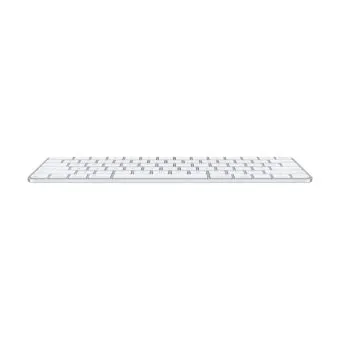
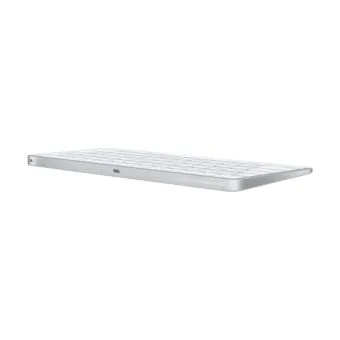
Apple Magic Keyboard with Touch ID (USB-C) – US English MXCK3
$215
The Apple Magic Keyboard with Touch ID (USB-C, MXCK3) for fast, secure typing on Mac with Apple silicon. Shop more Apple accessories at DSLR Zone.
- Touch ID for login, autofill and Apple Pay
- Wireless Bluetooth, pairs automatically
- USB-C charging
- About a month of battery per charge
- Compact US English layout
- Quiet, stable scissor keys

delivery all over lebanon
Immediate Same-Day Dispatch for Beirut

After Sales Services
Premium Care That Doesn’t End at the Checkout

Cash on Delivery payments
Pay Only When You Receive Your Order

Zalka Highway Flagship Store
Your Premier Destination for Genuine Tech

Free Delivery over 350$
Shop Risk-Free and Save on Shipping Costs

Operational Check & 7-Day Exchange
Items are tested and sold fully operational, with no store warranty. A manufacturer warranty applies only to select local-brand products (around 10%). Sealed products can be exchanged in store within 7 days.
Apple Magic Keyboard with Touch ID (USB-C): Fast, Secure Typing
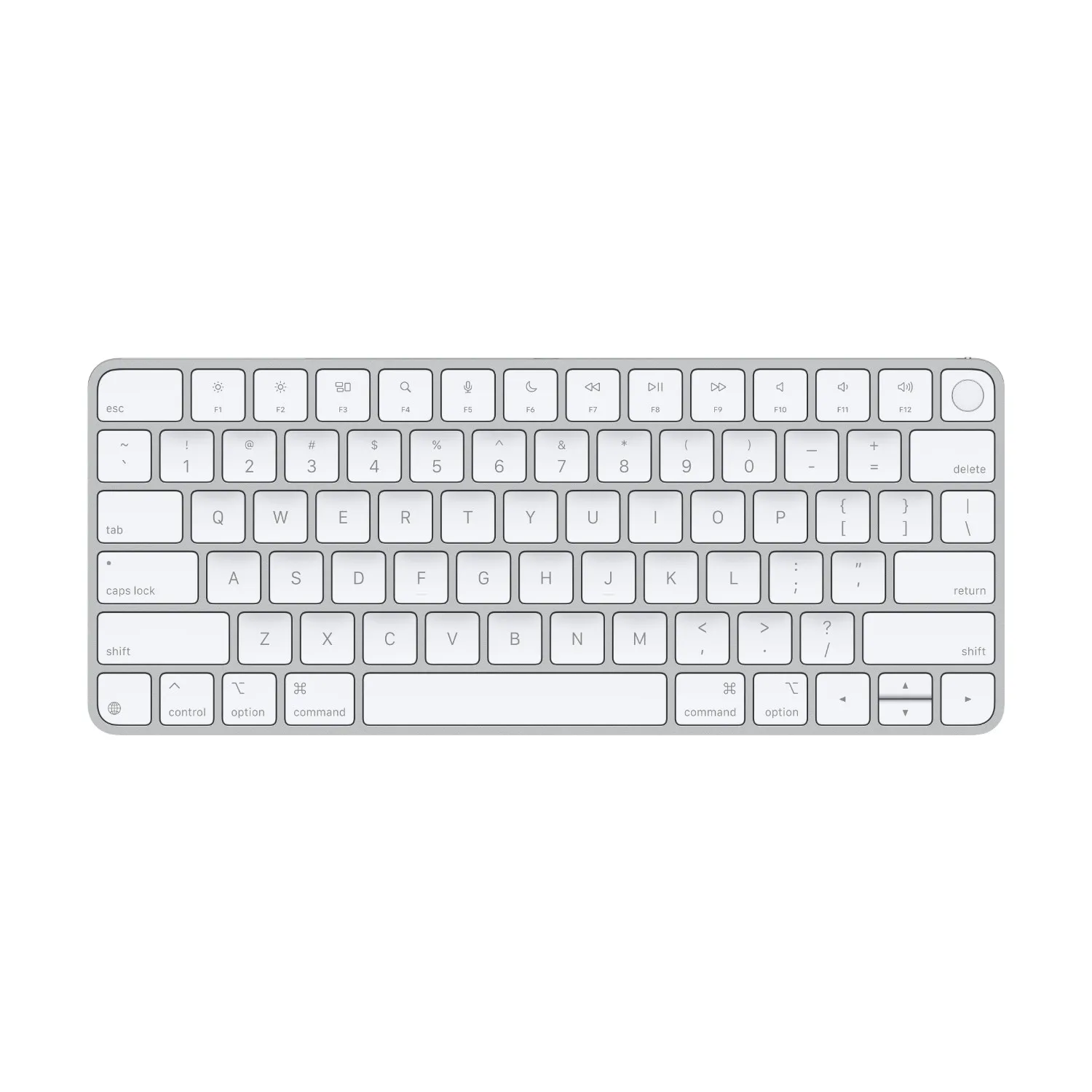
The Apple Magic Keyboard with Touch ID (MXCK3) brings fast, secure authentication to your Mac desk setup. Unlock your Mac, autofill passwords and approve Apple Pay purchases with a touch, then enjoy the comfortable, precise scissor-key typing Apple is known for. It charges with USB-C and pairs automatically with Mac models with Apple silicon. Shop more Apple accessories at DSLR Zone.
Touch ID built in
Log in to your Mac, switch users, autofill passwords and pay with Apple Pay using your fingerprint. The Secure Enclave on your Mac keeps your fingerprint data protected.
Comfortable, precise typing
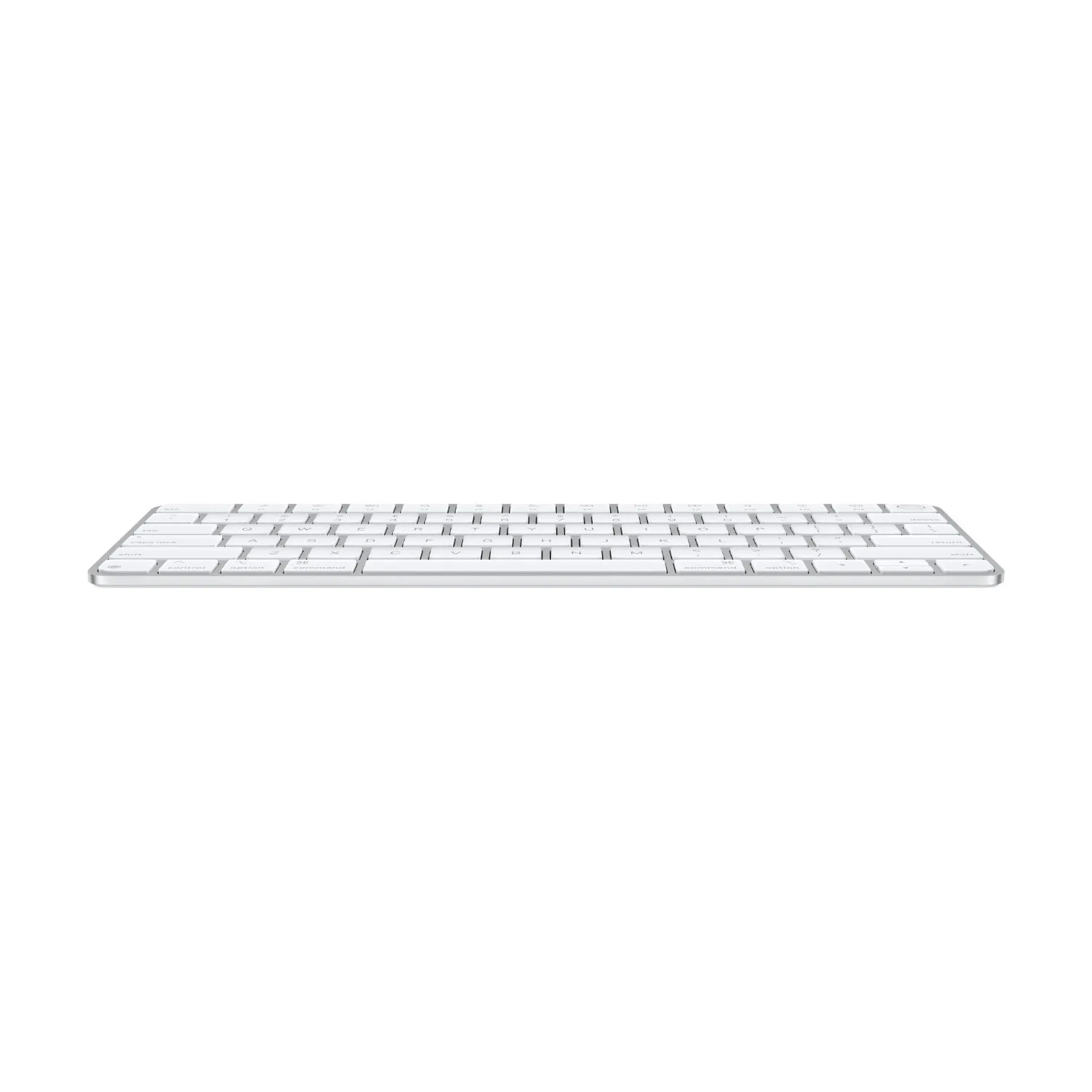
A stable scissor mechanism under each key and an optimised low profile deliver a quiet, comfortable feel for long work sessions.
USB-C and long battery life
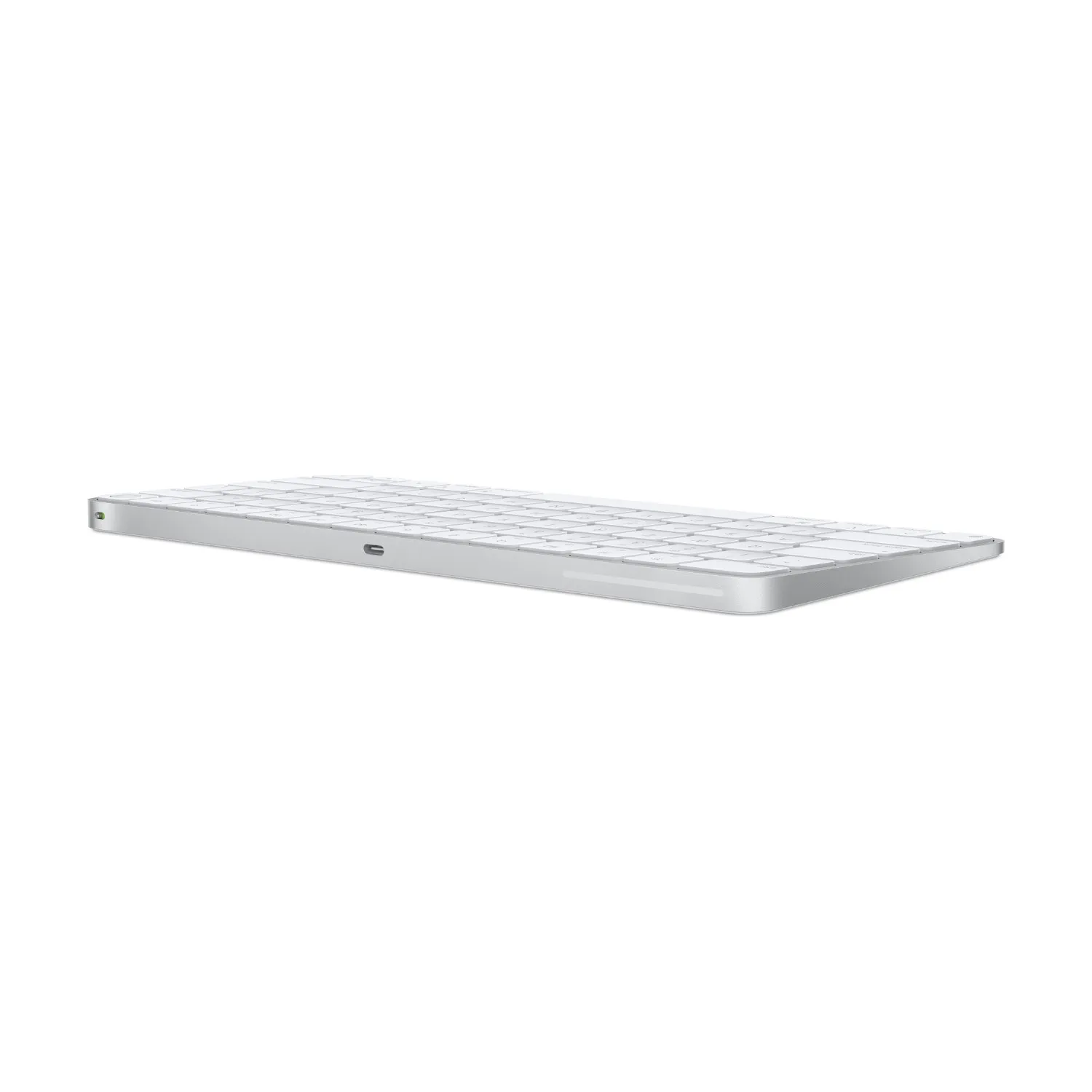
The built-in rechargeable battery lasts about a month or more between charges, and the included woven USB-C to USB-C cable pairs and charges the keyboard.
Key Features
- Touch ID: Fast, secure login, autofill and Apple Pay on Mac with Apple silicon
- Wireless: Pairs automatically with your Mac over Bluetooth
- USB-C charging: Charge and pair with the included USB-C cable
- Long battery: About a month or more of use per charge
- Compact layout: Full-size keys with inverted-T arrow keys, US English
- Quiet scissor keys: Stable, precise and comfortable to type on
Technical Engineering & Specifications
| Brand | Apple |
| Model | Magic Keyboard with Touch ID (USB-C) |
| Part Number | MXCK3 |
| Layout | US English |
| Connectivity | Bluetooth, USB-C |
| Authentication | Touch ID (Mac with Apple silicon) |
| Battery | Built-in rechargeable |
| Colour | White keys, silver aluminium |
| Compatibility | Mac with Apple silicon, macOS 15.1 or later; iPad with Bluetooth for typing |
| In the Box | Magic Keyboard with Touch ID, USB-C Charge Cable (1 m) |
Need a numeric keypad? See the Apple Magic Keyboard with Touch ID and Numeric Keypad.
FAQ
Does Touch ID work with Intel Macs?
No. Touch ID on this keyboard works with Mac models with Apple silicon. On other Macs and iPad it works as a regular wireless keyboard.
How do I charge it?
Connect the included USB-C cable to your Mac or a USB-C power adapter. Connecting it also pairs it automatically.
What is the difference with the numeric keypad version?
This model is the compact layout without a numeric keypad, so it takes up less space on your desk.
Which layout is it?
US English (MXCK3).
Why Choose DSLR Zone
DSLR Zone is a trusted electronics store in Zalka, Lebanon, serving customers since 2014. Every item is 100% genuine, with cash on delivery all over Lebanon and online card payment via secure payment links. Visit our store Monday to Saturday, 9 AM to 8 PM, or message us on WhatsApp for advice before you buy. Exchanges are accepted within 7 days for sealed items in store.
Be the first to review “Apple Magic Keyboard with Touch ID (USB-C) – US English MXCK3”
Related products


Apple Accessories
Apple Magic Keyboard with Touch ID and Numeric Keypad (USB-C)


Reviews
There are no reviews yet.